
WeaveRead for iPhone and iPad
A calm RSS reader for iPhone and iPad
Add the feeds you want to read. WeaveRead puts their new posts in one timeline, newest first. No ads, no sign-up, nothing in between.
Download on the App StoreUpdated October 2026 · WeaveRead 1.2.0

Subscribe
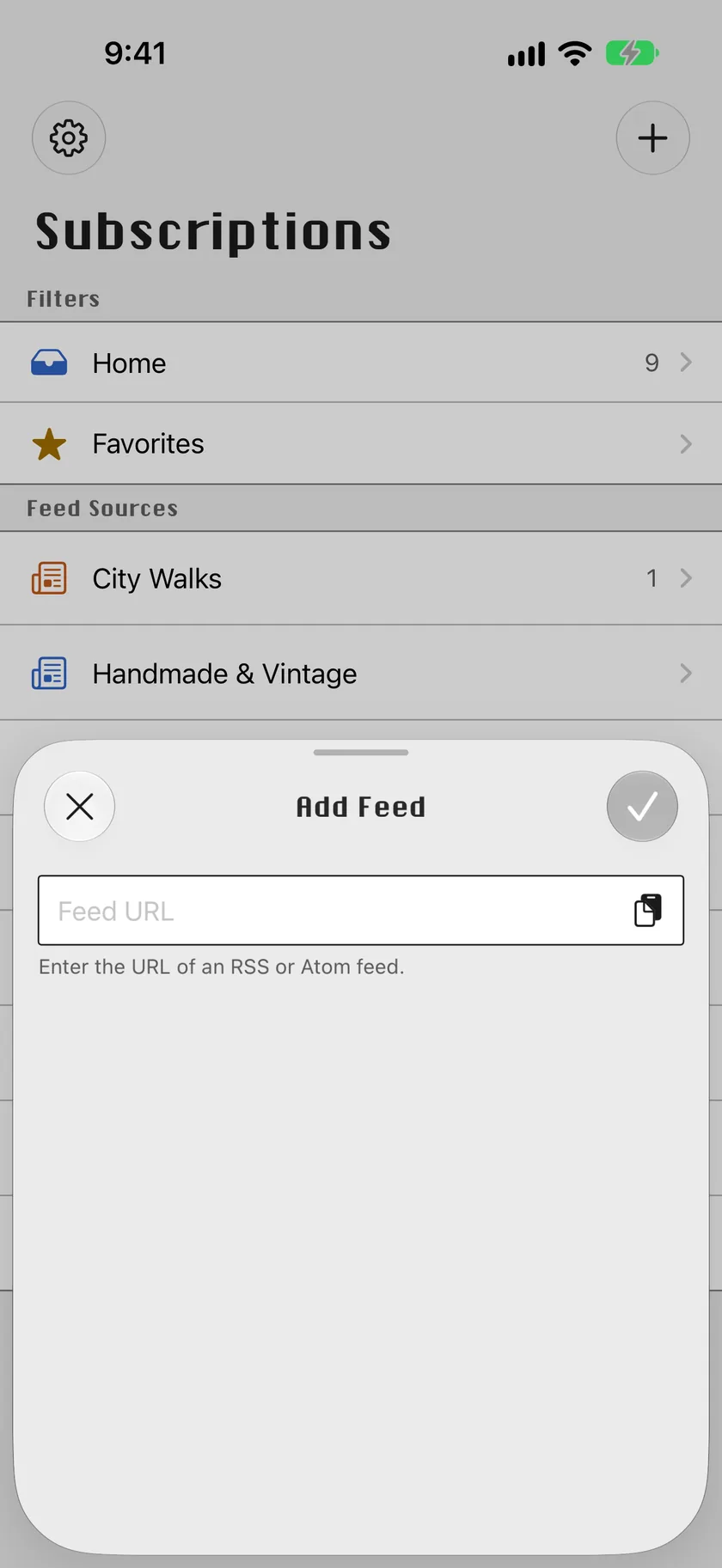
Only what you subscribe to
Paste the address of any RSS or Atom feed. WeaveRead fetches its title and site icon, and the source joins your list. Nothing else is added to your timeline.
Timeline
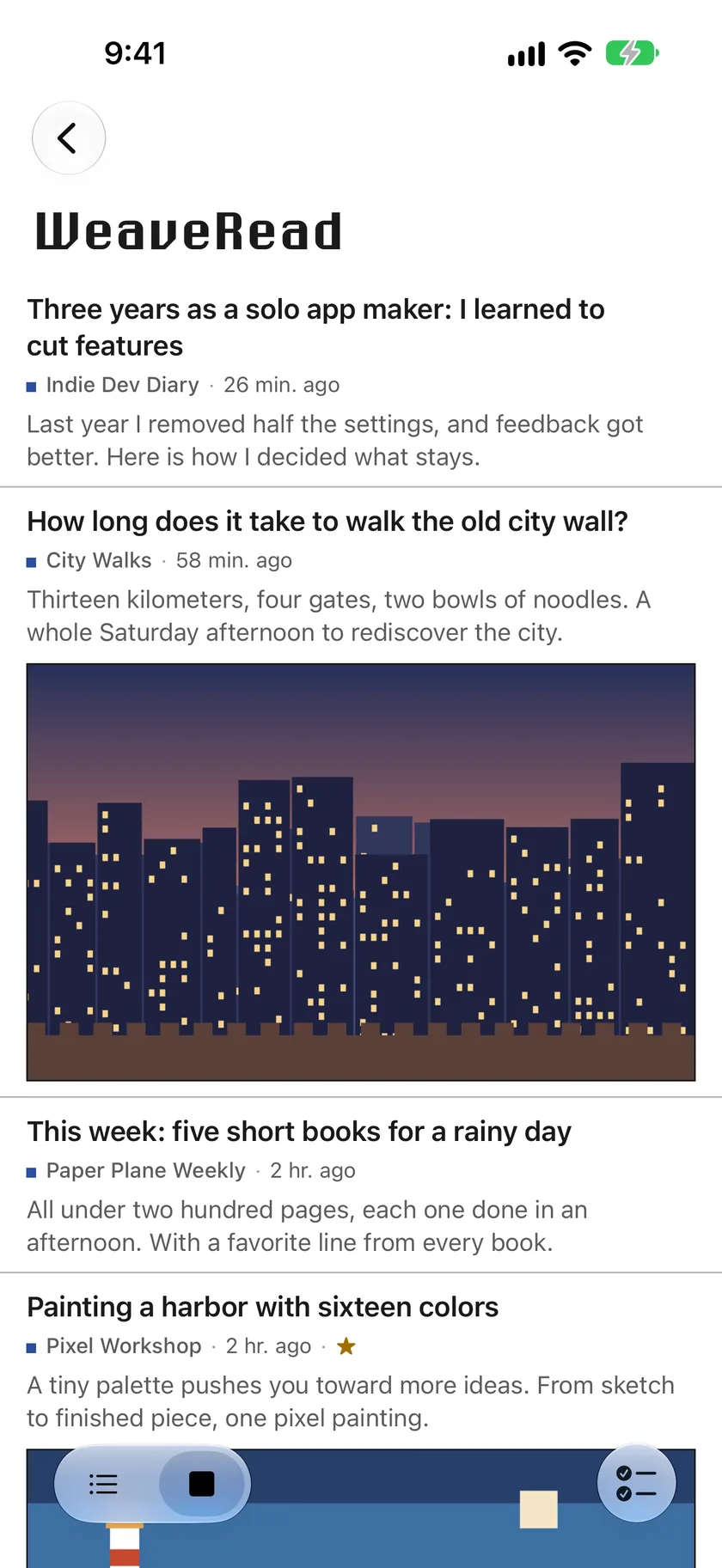
One timeline, in publishing order
Every new post from every feed, newest first. Filter to one source, to unread, or to favorites. Swipe to mark as read or favorite, or mark everything above a post as read in one go.
Reading
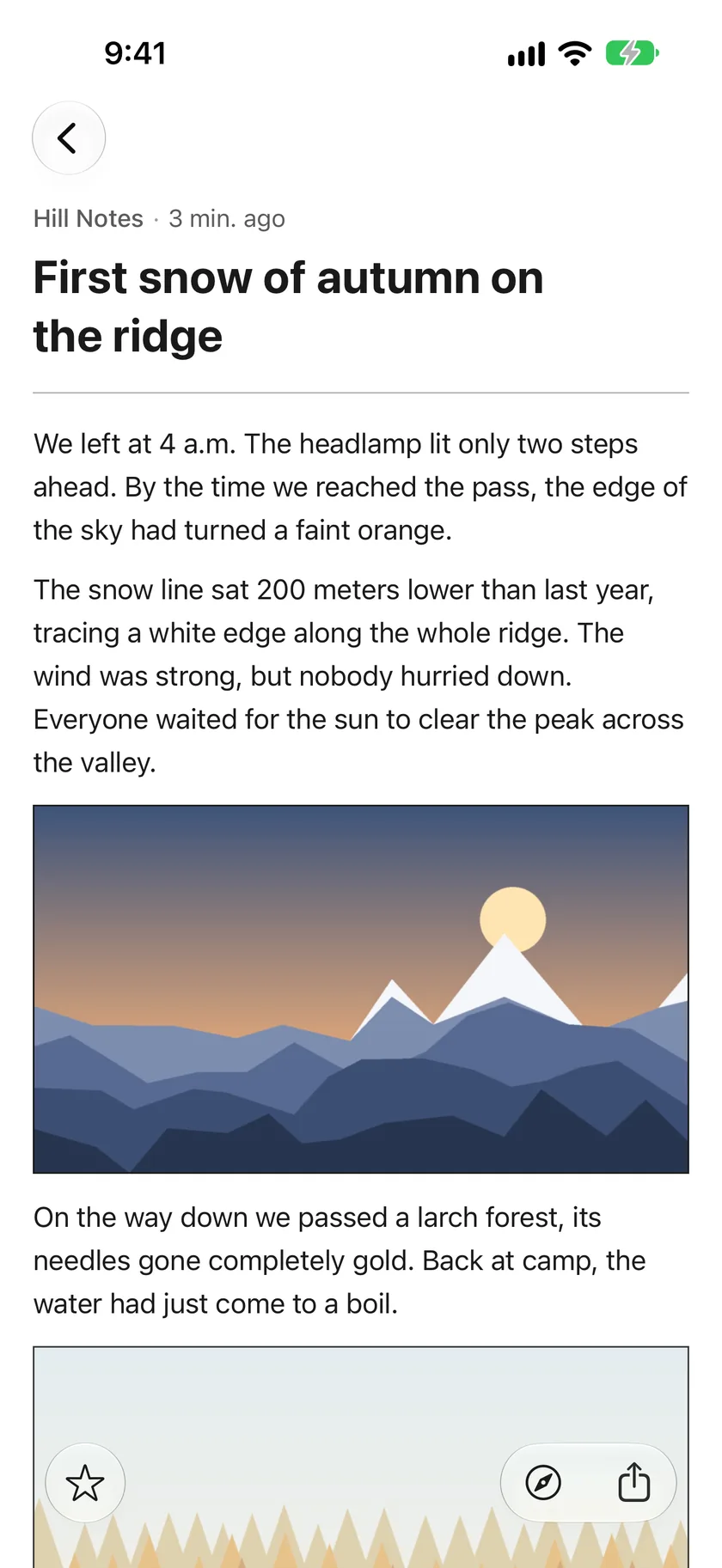
Comfortable to read
Articles open in a clean reading view with their images, galleries, and long pictures. Open the original page in the app or in your default browser; you choose which in Settings.
- Light, dark, or follow the system
- Dynamic Type and Increase Contrast supported
iPad
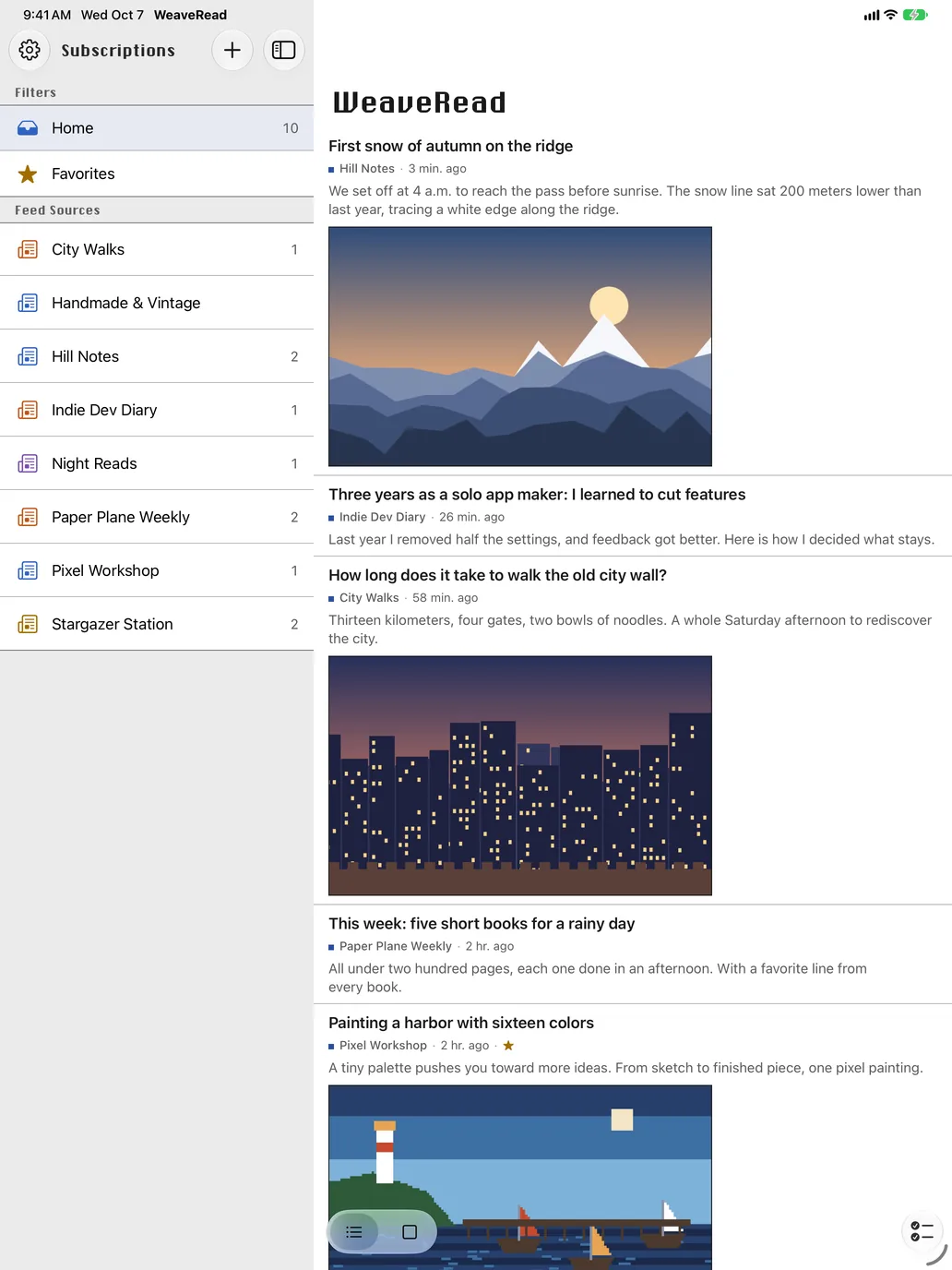
Sources on the left, stories on the right
On iPad, WeaveRead uses the space: your subscriptions in a sidebar, the timeline beside it, and the article a tap away.
Your data
Articles stay on your device
- No account and no sign-up.
- Feeds, article text, and image cache are stored on your iPhone or iPad. See the cache size and clear it in Settings; subscriptions, read state, and favorites stay.
- Refresh every hour, every 6 hours, once a day, or only when you pull. Unchanged feeds are not downloaded again.
- No ads. Anonymous usage statistics and crash reports are on by default and never include feed names, links, or article text.
Not included
What WeaveRead doesn’t do yet
WeaveRead is a reader for feeds you choose. In this version, a few things people expect from other readers are not there:
- OPML import or export. Feeds are added one at a time.
- Folders or groups, and search across articles.
- Full-text fetching for feeds that only publish summaries.
- AI summaries, translation, or read-later service integration.
- Sign-in to Feedly, Inoreader, or other feed services.
WeaveRead Pro
iCloud sync with Pro
Reading is free. WeaveRead Pro adds iCloud sync between your own iPhone and iPad.
- Syncs subscriptions, read state, favorites, and settings
- Article text and images are not uploaded; each device fetches its own
- Sync uses your private iCloud account; there is no WeaveRead account
Guides
Guides to RSS on iPhone
How feeds work, where to find them, and how to read them without an account.
- A simple RSS reader for iPhoneOne timeline, a clean reading view, no ads or sign-up.
- How to find a site’s RSS feed and add it on iPhoneWhere feeds live, how to check one, and how to subscribe.
- An RSS reader that does not need an accountNo sign-up, no feed service, articles stay on your device.
- Syncing RSS between iPhone and iPadSubscriptions and read state in step, through your iCloud.
- RSS or social feeds: choosing what you readYou pick the sources, and posts arrive in publishing order.
FAQ
Questions
Is WeaveRead free?
Yes. Subscribing and reading are free, with no ads. WeaveRead Pro adds iCloud sync between your devices.
Do I need an account?
No. There is no WeaveRead account and no sign-up. iCloud sync with Pro uses your own Apple Account.
Which feeds can I add?
Any RSS or Atom feed. Paste the feed’s URL; most blogs and news sites publish one, often at /feed or /rss.xml.
Can I import my subscriptions from another reader?
Not yet. This version has no OPML import, so feeds are added one at a time.
Does WeaveRead sync between iPhone and iPad?
With WeaveRead Pro, yes, through iCloud: subscriptions, read state, favorites, and settings. Article text is not uploaded.
Does WeaveRead collect data?
Anonymous usage statistics and crash reports are on by default, to improve the app. They never include feed names, links, or article text, and there are no ads.