Sync SimpleSpend between iPhone and iPad
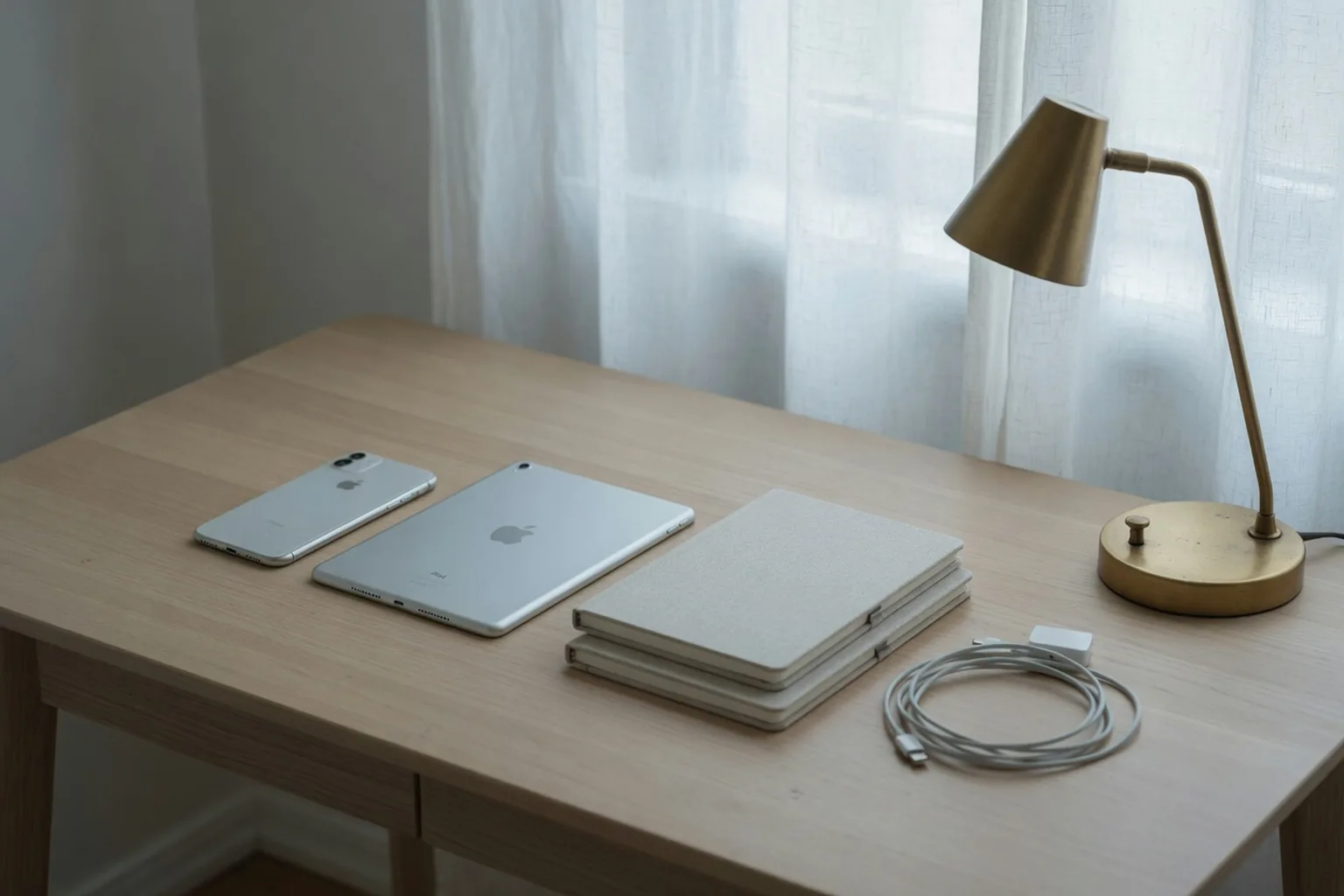
Records stay on the device you are holding unless you turn on iCloud. When you do, personal ledgers can sync across your own iPhone and iPad. Shared ledgers still use an invite, not this toggle.
Off until you turn it on
The default is local. Open the app, log, and the book lives on that phone or iPad. That is enough if you only use one device.
iCloud is a setting, not a required account with us. You already have an Apple ID for the App Store. SimpleSpend does not ask you to register a second login.
What syncs
Personal ledgers, including their transactions, budgets, and recurring rules, can follow you between your iPhone and iPad when iCloud is on. Image attachments on your records sync too. If an image has not reached this device yet, SimpleSpend says it has not synced here yet; give it a moment.
A shared ledger is a different path. People you invite see that book because you invited them. Turning on iCloud for yourself does not publish a personal book to a partner.
If you leave iCloud off
Deleting the app removes the local copy. Export CSV first if you want a file. Data already in iCloud stays under your Apple settings until you remove it there.
Sync does not mean a bank feed. Amounts still come from what you type or speak. iCloud only copies the book you already keep.
Turn on SimpleSpend iCloud sync
- Install SimpleSpend on the iPhone and the iPad that should share personal ledgers.
- Sign in to iCloud on both devices with the same Apple ID.
- Turn on SimpleSpend iCloud sync in the app settings.
- Open the app on the second device and wait for the personal ledgers to appear.
Common questions
Is iCloud required?
No. Leave it off if one device should hold the only copy. CSV export is still available.
Does iCloud share my personal ledger with family?
No. iCloud copies personal books across your devices. A shared ledger is a separate invite.